What the file should contain
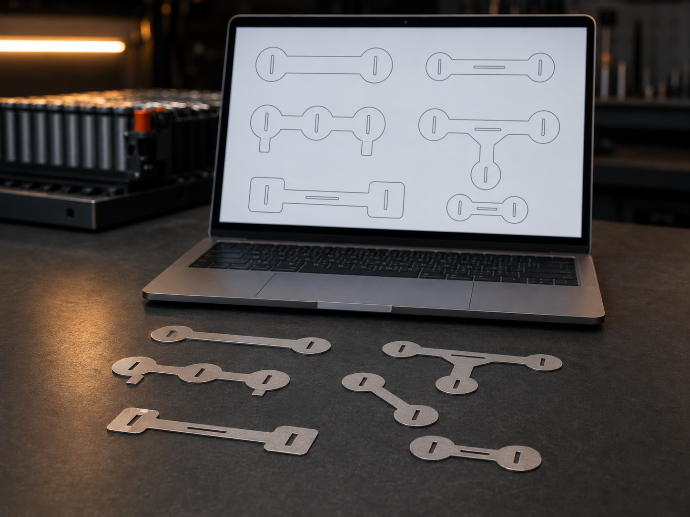
The DXF file should contain only the useful contours of the part to produce. Each part must be drawn at scale, with a closed outer contour and clean inner cut-outs if the part includes them. Dimensions, notes, logos, hatches, background drawings and annotations should not be mixed with the cutting geometry.
The goal is simple: when the file is opened, it should be immediately clear what needs to be cut from nickel. A clean file reduces back-and-forth, limits errors and helps display a more reliable price.
Basic rules before export
- 01Draw in millimetres.
- 02Keep scale at 1:1.
- 03Close all contours.
- 04Remove duplicate lines.
- 05Remove unnecessary construction lines.
- 06Avoid tiny useless segments.
- 07Separate variants clearly if several shapes are tested.
- 08Keep only the contours intended for cutting.
Errors that often block analysis
The most common issues are open contours, overlapping lines, crossing shapes, imported layers from another tool or dimensions left inside the file. A part may look correct visually while still containing duplicated or disconnected segments. This is why geometry must be checked before payment.
Preparing a file for a small batch
For a small batch, it is better to name the validated version clearly and remove drafts from the same DXF. If the same part needs to be ordered again, the clean file becomes the reference: same shape, same material, same thickness and less uncertainty when reordering.
Next step: check the DXF design rules.
Once the file is clean, check the DXF design rules to avoid geometry that is hard to cut or handle.
Read the DXF design rules →